
The Strategic Purpose of Canonical Tags
In modern web development, a single unique page can often be accessed via multiple URL permutations: HTTP vs HTTPS, www vs non-www, trailing slashes (/tools/ vs /tools), session IDs, and marketing tracking parameters (?utm_source=...). Without clear canonical signals, search engines treat these variants as separate, competing pages, diluting link equity and splitting organic rankings.
The <link rel="canonical" href="..."> element informs search engines which URL represents the authoritative "master" version of a page.
1. Decoding Search Console Canonical Errors
A. "Duplicate without user-selected canonical"
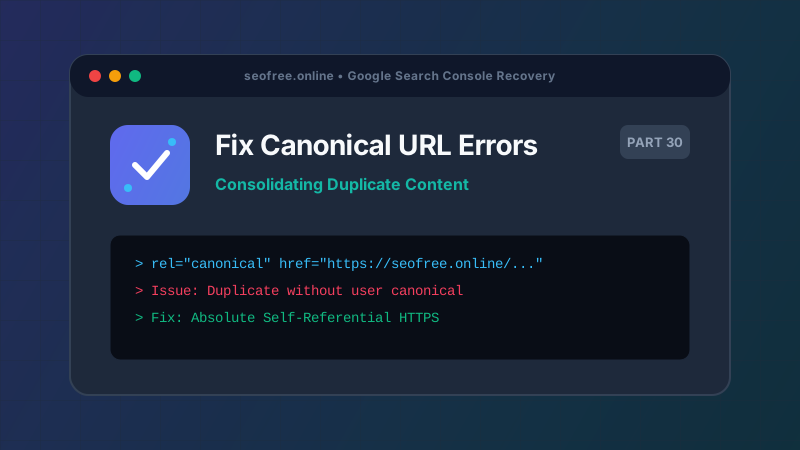
This means Google identified multiple URLs with identical or near-identical content, but found no rel="canonical" tag pointing to a preferred version. Google will arbitrarily select one URL to index, which may not be the URL you intended.
B. "Google chose different canonical than user"
This occurs when you declare a canonical URL, but Google ignores your recommendation and selects a different URL instead. Common reasons include:
- The declared canonical returns a 404 error or a 301 redirect.
- Internal navigation links point overwhelmingly to a different URL structure.
- The canonical URL is blocked by
robots.txt. - The content on the canonical URL differs substantially from the duplicate page.
2. Golden Rules for Canonical Implementation
- Always Use Absolute URLs: Always write
https://seofree.online/blog, never relative paths like/blog. - Self-Referential Canonicals: Every unique canonical page must point to itself. This prevents scraper sites or unexpected parameter queries from claiming ownership of your content.
- Strip Query Parameters: Canonical tags should exclude tracking parameters (
utm_*,fbclid,session_id) unless query parameters define distinct, unique content. - Consistency Across Protocols: Standardize on HTTPS and non-www (or www), enforcing permanent 301 redirects server-side.
3. Automated Canonical Audit Workflow
Verify that your canonical declarations align across all three technical channels:
| Channel | Correct Implementation |
|---|---|
| HTML Header | <link rel="canonical" href="https://seofree.online/robots-txt-tester" /> |
| XML Sitemap | Lists only the exact canonical URL (https://seofree.online/robots-txt-tester) |
| Internal Links | All internal navigation links point directly to the canonical address without redirects |