

Why XML Sitemaps Are the Foundation of Technical SEO
An XML Sitemap is an essential communication protocol between your web server and search engines. Rather than waiting for crawlers to stumble across deeply nested pages, an accurate sitemap serves as an up-to-date registry of every single indexable URL on your domain.
In this guide, we walk through the exact process of generating, validating, and submitting your XML sitemap to Google Search Console.
Step 1: Structure Your Sitemaps Using a Sitemap Index
While small sites can function with a single sitemap.xml, professional architecture utilizes a Sitemap Index referencing specialized child sitemaps:
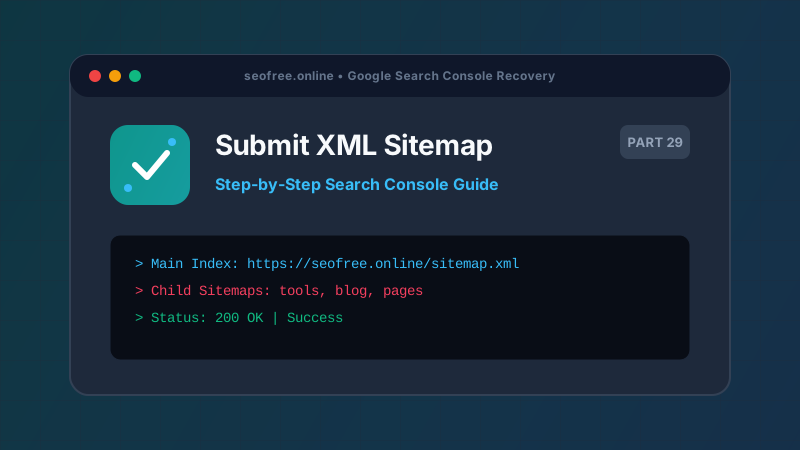
https://seofree.online/sitemap.xml(Main Index)https://seofree.online/sitemap-tools.xml(High-priority tools and utility pages)https://seofree.online/sitemap-blog.xml(Editorial guides and educational posts)https://seofree.online/sitemap-pages.xml(Static company, methodology, and legal pages)
This structure isolates crawl errors and allows you to pinpoint exact indexation rates for tools versus blog content in GSC.
Step 2: Generate Valid XML
You can generate standard sitemaps in seconds using our Free XML Sitemap Generator. Ensure that:
- All URLs use absolute HTTPS protocols (e.g.
https://seofree.online/blog, not/blog). - Every URL returns an HTTP 200 OK status code.
- Last modification dates (
<lastmod>) use W3C ISO 8601 formatting (YYYY-MM-DD). - Private administration or testing URLs are strictly excluded.
Step 3: Validate Before Submission
Before submitting to Google, test your output in our XML Sitemap Validator. This catches fatal XML parsing errors, unescaped characters (such as raw & symbols in query strings), and namespace declaration flaws.
Step 4: Declare in Robots.txt
Ensure your robots.txt file contains a sitemap reference line at the bottom:
User-agent: *
Disallow: /admin/
Allow: /

Sitemap: https://seofree.online/sitemap.xml
Step 5: Submit in Google Search Console
- Log in to Google Search Console.
- Select your verified domain property.
- In the left sidebar, click Indexing > Sitemaps.
- Under "Add a new sitemap", enter
sitemap.xmland click Submit. - Refresh the page after a few minutes to confirm the status displays green "Success".